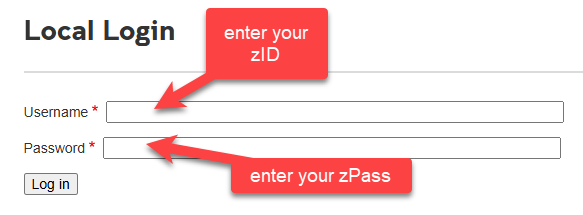
- Go to the Civil Engineering Intranet login page and log in using your zID and zPass. This will create your Intranet account.
-
Students and casual staff: Your access will be authenticated automatically. You should be able to access the Student Intranet and Health and Safety sections immediately.
- New continuing and fixed-term staff: Logging in alone will not provide staff access. After completing Step 1, you must complete the Staff Verification Form so we can confirm your staff status and assign the appropriate access. The completed form will be sent to webmaster@civeng.unsw.edu.au.
Important: If you are a new staff member, please do not stop after logging in. You must also complete the Staff Verification Form.